
Deleting or replacing text in a PDF removes it from one place: the drawing instructions of the page. Redaction sets out to do more: the content is gone from the page, and with the cleaning step that redaction tools add, from the rest of the file too. A black or white box drawn over the words removes nothing at all. If a document leaves your hands and the words must not, use a redaction tool and check the result. An editor, even one whose save removes the replaced line from the page, is the wrong tool for that job, and PDF Textfix says so in the app.
What does redacting a PDF mean?
Removing content so that it cannot be recovered, not just hiding it from view. Adobe’s help for Acrobat Pro defines it this way: “Redaction permanently hides sensitive information from a PDF document. In Acrobat Pro, redacted content, such as text or images, is replaced with colored boxes, ensuring that sensitive information cannot be recovered or viewed.”
The same page is precise about the limit: “Redaction removes only visible text and graphics. Hidden data, such as metadata or embedded content, must be sanitized separately.” Adobe’s list of redactable data shows why the second step exists. It names visible text, images, form fields, metadata, file attachments, bookmarks, comments, hidden text, hidden layers, an embedded search index, deleted or cropped content, links and scripts. As it puts it: “PDFs may contain sensitive information in multiple forms, from visible text to hidden metadata.”
So a complete redaction is two operations: remove the marked content from the pages, then remove the other places the same information lives.
What does deleting or replacing text actually remove?
The text the page draws, and only that. On a PDF page, text is a list of instructions in a content stream. An editor that deletes or replaces a line changes those instructions. Whether the old words leave the file then depends on two more things.
How the editor saves. The PDF standard lets an editor save by appending: “When updating a PDF file incrementally, changes shall be appended to the end of the file, leaving its original contents intact.” A file saved that way still holds the old page in its earlier bytes, and the old words with it. An editor that rewrites the whole file drops the old instructions. What saving does to your PDF measures both on a demo file.
Where else the words are. The same words are often in places an edit never touches:
- link annotations and the web or email addresses they open;
- bookmarks, the document outline;
- comments and form field values;
- the accessibility text of a tagged file;
- images, such as a logo or a scanned signature;
- the document’s properties and XMP metadata: title, author, subject, keywords.
And the fonts keep their glyphs. A subset font holds the shape of every letter it was given, the letters of the text you deleted included. It does not hold the words or their order, but it does hold which characters were there.
What does a black box or a white box do?
Nothing to the text. A rectangle drawn on top of a line, by an editor or as an annotation, is one more object on the page. The words underneath are still there: they can be selected, copied, searched and extracted, and anyone can delete the box. How to white out, cover or delete text in a PDF explains when covering is fine, such as on your own draft or a printout, and when it is not.
Which tools redact a PDF on a Mac?
Two that come with documentation of what they do:
- Preview, included with macOS. The Redaction Selection tool is in the Markup toolbar; Apple’s guide says to click the Show Markup Toolbar button “(if the Markup toolbar isn’t showing)”. What the tool does, in Apple’s words: “Select text to remove it from view. You can change the redaction as you edit, but once you close the document, the redaction becomes permanent.” Apple adds a limit worth knowing: “If the PDF has a table of contents, entries in it that link to redacted text aren’t removed.” For saving, the same guide gives two routes for annotations: “To save a PDF and allow annotations to be edited later, choose one of the following: File > Save, File > Export, or File > Export to PDF.” and “To save a PDF and flatten annotations (so that they can’t be edited), choose File > Print, then select Save as PDF.” Check the bookmarks and the document’s properties yourself before you share the file.
- Adobe Acrobat Pro. It redacts text and images, and it has a separate sanitizing step for hidden information; Adobe’s help says that step “focuses on removing hidden data from PDFs.”
Whichever you use, verify the result with the checks below.
Is PDF Textfix a redaction tool?
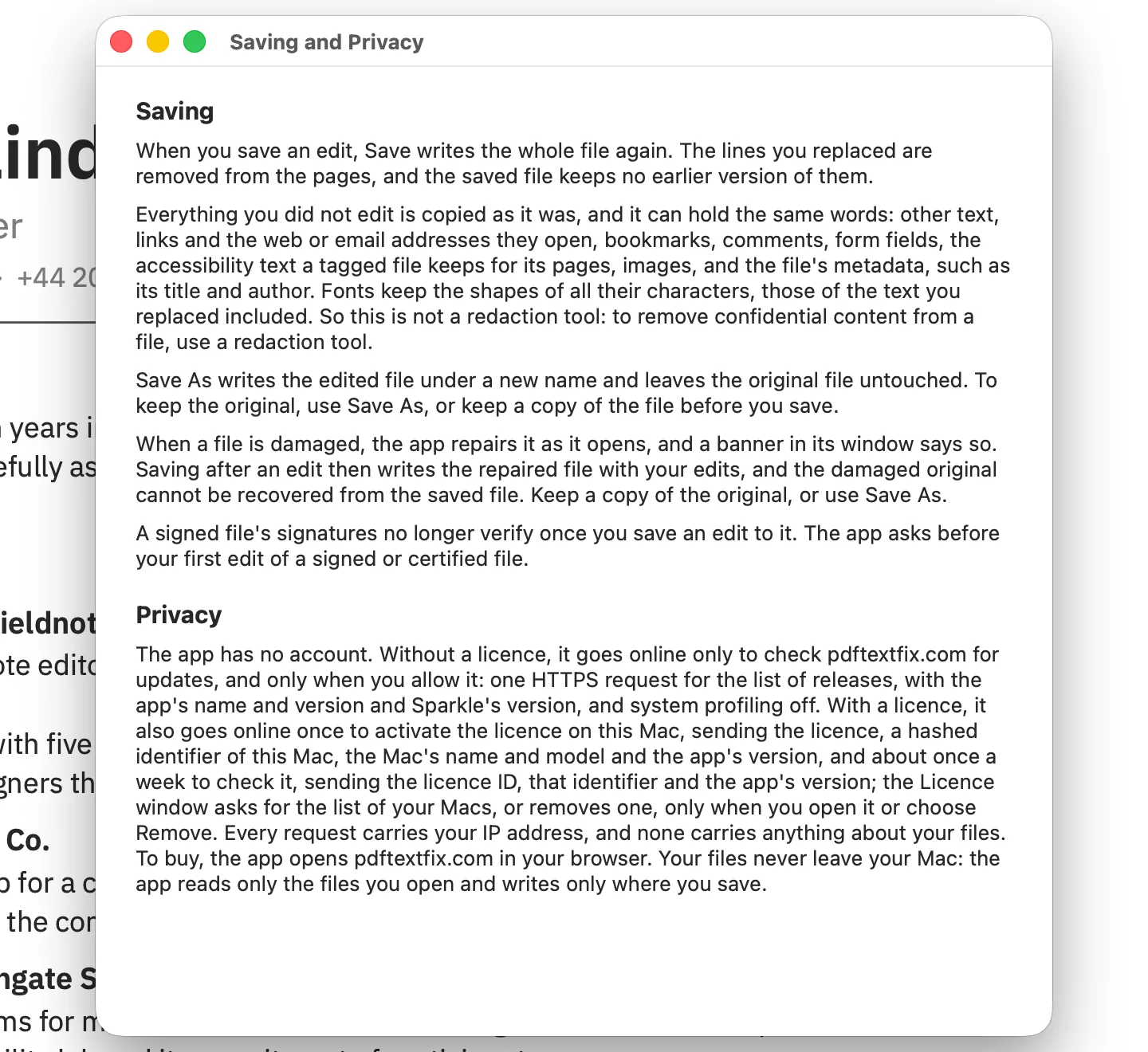
No, and it says so in the app. PDF Textfix changes text that is already in the PDF, one line at a time. When you save an edit, Save writes the whole file again: the lines you replaced are removed from the pages, and the saved file keeps no earlier version of them. That is useful when the old date or the misspelled name should not survive in your own document. It is not redaction, because the rest of the file is copied as it was, unless the file was damaged (the app tells you when it repaired one). In the app’s own words, from Help > Saving and Privacy:
Everything you did not edit is copied as it was, and it can hold the same words: other text, links and the web or email addresses they open, bookmarks, comments, form fields, the accessibility text a tagged file keeps for its pages, images, and the file’s metadata, such as its title and author. Fonts keep the shapes of all their characters, those of the text you replaced included. So this is not a redaction tool: to remove confidential content from a file, use a redaction tool.
The terms say the same: do not rely on PDF Textfix to remove confidential content from a file. Two more cases from the manual: editing a line under a link leaves the link’s address as it was, and in some tagged files the accessibility text of an edited line keeps the old words when another page shares it.
How do I check a redacted file before I share it?
Check the places a redaction tends to miss:
- Under each mark. Search the saved file for the redacted words (⌘F in Preview), and try to select the text where each mark sits. A match or a selection means the words are still there.
- The bookmarks. Apple warns that table of contents entries linking to redacted text stay; open the sidebar and read them.
- The properties. Read the title, subject and keywords in Preview’s Inspector or with
pdfinfo file.pdf. - The pictures. A logo, a stamp or a scanned signature is an image, not text, so a search for the words does not find it. Look at each page.
For a full search of everything a file can hold, from invisible text to form fields, follow the steps in hidden text in a PDF.
Questions people ask about redaction and deleting text
If I delete text in a PDF editor and save, is it gone?
From the page, if the editor rewrites the file; possibly not, if it appends its changes. In both cases the same words can remain in bookmarks, links, comments, form fields, tags, images and the properties.
Is redaction in a PDF permanent?
In each tool’s own words: Adobe says redacted content in Acrobat Pro “cannot be recovered or viewed”, and Apple says a redaction in Preview “becomes permanent” once you close the document, while you can change it as you edit. Neither covers the bookmarks and properties on its own, so check them before you send the file.
Can a redacted PDF be un-redacted?
Adobe says redacted content “cannot be recovered or viewed”; Apple says Preview’s redaction “becomes permanent” once you close the document. Check the result with the steps above rather than relying on either sentence. A box drawn over text is not a redaction, and the text under it can be copied out.
Is converting a PDF to an image a redaction?
It removes the page text, since the pages become pictures, but the words remain readable in the picture, and properties and bookmarks may come along. Redact first, then convert if you need to.